This guide may contain affiliate links. If you sign up through them, we may earn a small commission at no extra cost to you. Read our disclosure.
You do not need to pay to use a very good AI chatbot. The free versions of today’s chatbots can write emails, answer questions, plan meals, explain hard topics, and much more.
But each free chatbot is good at different things, and each has different limits. This guide helps you pick the right free one for how you actually live and work.
Our quick picks
- Best all-round free chatbot: ChatGPT
- Best free chatbot for writing: Claude
- Best if you use Gmail and Google Docs: Gemini
- Best for research with sources: Perplexity
- Best if you use Windows or Microsoft Office: Copilot
The best free AI chatbots compared
| Chatbot | Made by | Best free use | Where you use it |
|---|---|---|---|
| ChatGPT | OpenAI | All-round help, voice chat, images | Website and phone app |
| Claude | Anthropic | Writing and long documents | Website and phone app |
| Gemini | Help inside Google apps | Website, phone app, Google apps | |
| Copilot | Microsoft | Windows, Edge, and everyday questions | Windows, Edge, website, app |
| Perplexity | Perplexity | Research with sources | Website and phone app |
| Meta AI | Meta | Quick help inside WhatsApp | WhatsApp, Instagram, Facebook |
Free features, limits, and availability change often and can differ by country. Check each chatbot’s website for the latest details.
1. ChatGPT: the best all-rounder
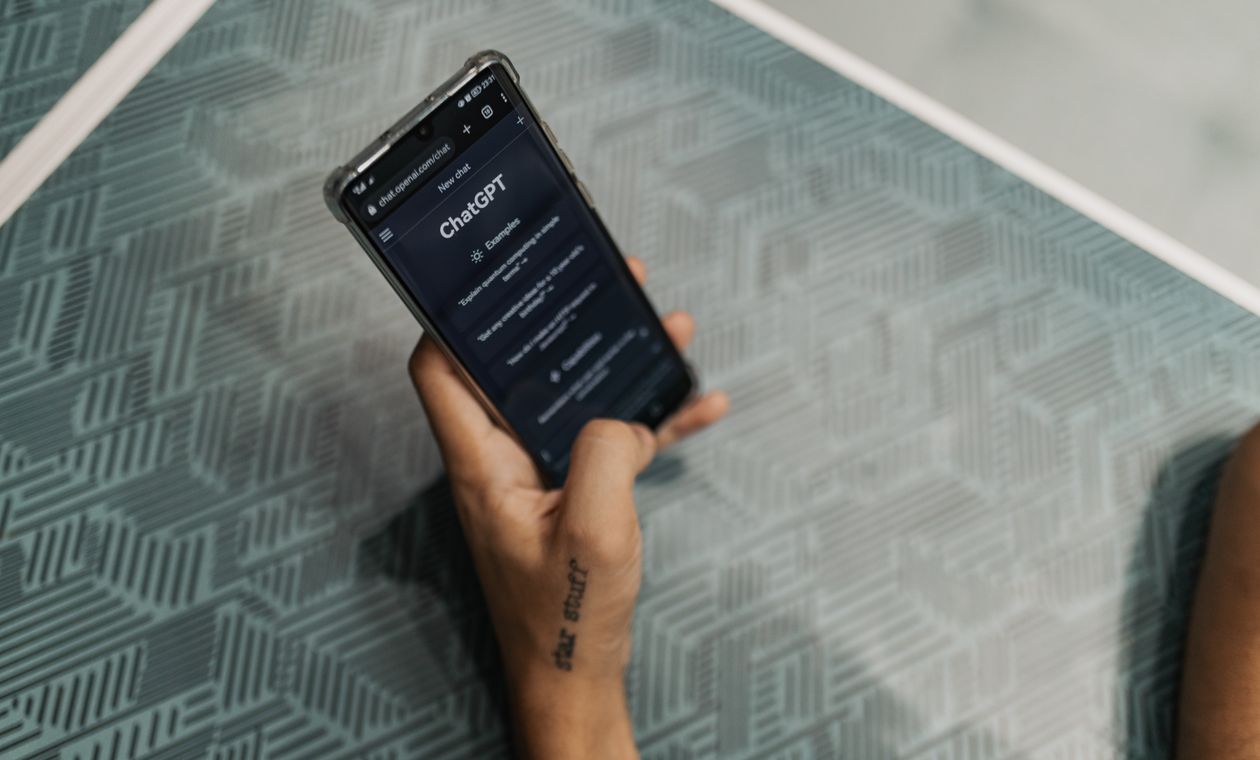
The free version of ChatGPT handles almost any everyday task. It can hold a natural voice conversation, look at photos you take, search the web, and create images. Free users get limited use of the most powerful features, so heavy users can hit the limit during busy days.
Choose it if: you want one app that does a bit of everything.
2. Claude: the best for writing
Claude’s free version is excellent for writing that sounds natural, editing your own drafts, and making sense of long documents such as reports or contracts. The free plan has daily usage limits, which you may reach with very long conversations.
Choose it if: you write emails, reports, or posts most days. See our full ChatGPT vs Claude comparison.
3. Gemini: the best for Google users
Gemini is free with a Google account. Its big advantage is that it works closely with Google’s own apps, such as Gmail, Google Docs, and Google Maps, and it is built into many Android phones.
Choose it if: your life already runs on Google.
4. Microsoft Copilot: the best for Windows users
Copilot is Microsoft’s free AI assistant. It is built into Windows and the Edge browser, so it is often just one click away on a work computer. It is good for everyday questions, quick writing, and creating images.
Choose it if: you mainly use a Windows computer and Microsoft apps.
5. Perplexity: the best for research
Perplexity works like a search engine that answers in full sentences and shows you the sources, so you can check where each fact came from. That makes it a good choice when accuracy matters.
Choose it if: you want answers you can check, such as for study, shopping research, or news.
6. Meta AI: the most convenient
In many countries, Meta AI is built into WhatsApp, Instagram, and Facebook. If you already live in WhatsApp, it is the easiest way to ask a quick question without installing anything new. For bigger tasks, the dedicated chatbots above usually do a better job.
Choose it if: you want quick answers inside the apps you already use.
Which free chatbot is best for…
| Task | Our free pick |
|---|---|
| Writing emails and letters | Claude |
| Talking out loud | ChatGPT |
| Creating images | ChatGPT or Copilot |
| Checking facts with sources | Perplexity |
| Working with Gmail and Google Docs | Gemini |
| Summarising a long document | Claude |
| Quick questions on WhatsApp | Meta AI |
The limits of free chatbots
- Usage caps. Free plans limit how much you can use the best models each day.
- Fewer features. Some advanced tools are only on paid plans.
- Your data. Read each service’s privacy settings. Some let you switch off the use of your chats for training.
- Mistakes. Every chatbot, free or paid, can get things wrong. Check anything important.
When is it worth paying?
If you use one chatbot every day and keep hitting the limits, a paid plan (usually around $20 a month) gives you much more. Compare the paid plans in ChatGPT Plus vs Claude Pro vs Gemini. Until then, free is plenty.
Tips for getting more from a free chatbot
- Use two. When one hits its limit, switch to another. Many people pair ChatGPT with Claude or Perplexity.
- Give context. Say who you are, what you need, and how you want the answer.
- Ask follow-up questions instead of starting again.
- Practise daily. Our free 30-Day AI Challenge builds the habit in 15 minutes a day.
Frequently asked questions
What is the best free AI chatbot?
For most people, ChatGPT is the best all-round free chatbot. If you mainly write, try Claude. If you need sources, try Perplexity.
Are free AI chatbots safe?
The well-known ones are generally safe if you never share passwords, bank details, ID numbers, or private information about other people.
Do I need to create an account?
Usually yes, though some let you try a few questions first. A free account also saves your conversations so you can return to them.
The bottom line
There is no single best free chatbot, only the best one for you. Start with ChatGPT for all-round help, add Claude for writing or Perplexity for research, and use them every day. For more tools that save time, see the best AI tools in 2027, and if you want to build real skills, start with How to Learn AI in 2027.